In recent years, working from home has become increasingly popular, making a comfortable and productive home workspace essential. Whether you’re working remotely full-time or just occasionally, having the right environment can significantly impact your focus and efficiency. Here are some practical tips to help you create a workspace that supports your well-being and work performance.
Choose the Right Spot
Find a Dedicated Space
If possible, select a quiet area in your home exclusively for work. This helps create a mental boundary between professional and personal life. A spare room, a corner in the living room, or even a nook near a window can work well.
Consider Natural Light
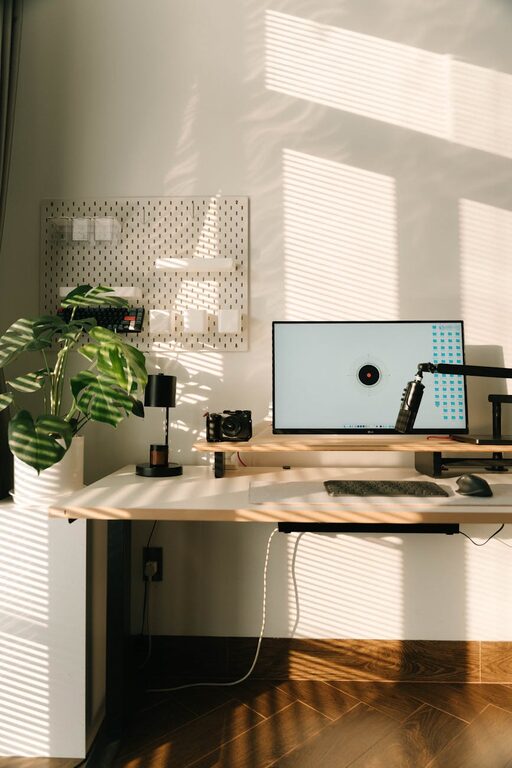
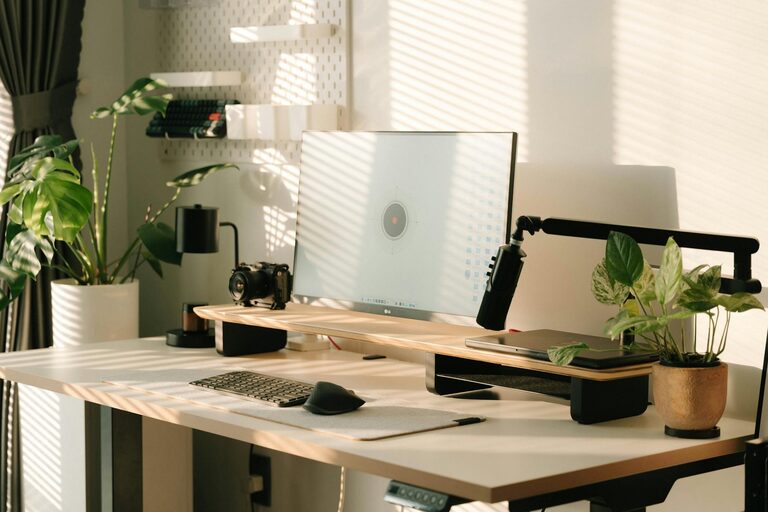
Natural light is beneficial not only for your eyes but also for your mood and alertness. Position your desk near a window if you can, but avoid placing your computer screen where glare might be an issue.
Invest in Ergonomic Furniture
Comfortable Chair
An adjustable chair that supports your lower back and promotes good posture is crucial. Sitting for long periods can strain your body, so prioritise ergonomics.
Suitable Desk Height
Your desk should allow your arms to rest comfortably at a right angle while typing. A desk that’s too high or low can cause discomfort over time.
Add Foot Support
If your feet don’t reach the floor comfortably, consider a footrest. This helps maintain proper posture and reduces pressure on your lower back.
Keep Organised
Declutter Your Workspace
A tidy workspace reduces distractions and helps you focus. Use storage solutions like shelves, drawers, and organisers to keep your desk clear of unnecessary items.
Use Cable Management
Loose cables can quickly become messy and cause stress. Clips, ties, or cable organisers keep cords neat and out of the way.
Maintain Digital Organisation
Organise digital files and emails regularly. A clutter-free digital space supports a clear mind.
Control Lighting
Use Adjustable Lighting
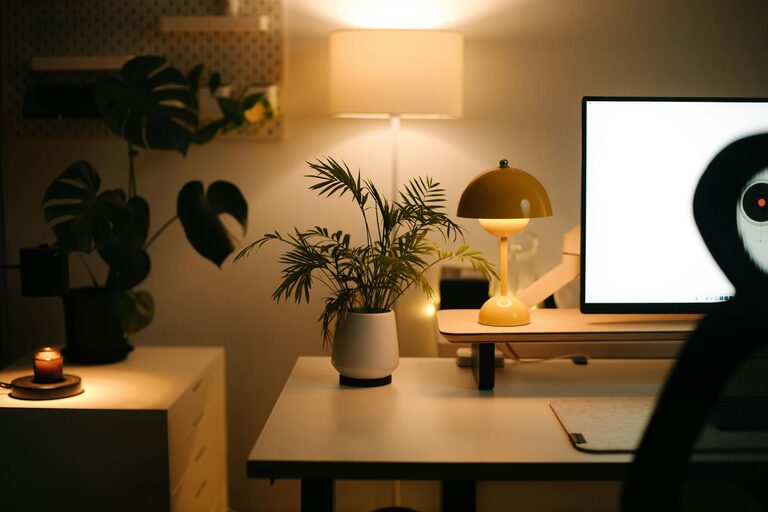
In addition to natural light, use lamps with adjustable brightness to reduce eye strain. Position lighting to avoid shadows or glare on your screen.
Consider Warm Lighting
Soft, warm lighting can create a cosy atmosphere that feels inviting and less harsh than cooler LEDs.
Minimise Distractions
Limit Noise
If noise disturbs your concentration, consider soundproofing solutions like rugs, curtains, or noise-cancelling headphones. Inform household members of your working hours to reduce interruptions.
Separate Work and Leisure
Try to keep work confined to your workspace. Avoid working on the couch or bed to help maintain focus and keep your home looking like the home it is.
Personalise Your Space
Add Plants
Indoor plants improve air quality and add a touch of nature which can be calming and boost creativity.
Use Inspiring Decorations
Photos, artwork, or motivational quotes can make your workspace inviting and personal without overwhelming it.
Prioritise Technology and Tools
Invest in a Reliable Internet Connection
A stable internet connection is vital for remote work, online meetings, and research.
Use Necessary Equipment
Ensure your computer, keyboard, mouse, and other tools suit your work style and needs. Consider external monitors or ergonomic keyboards for enhanced comfort.
Backup Your Data
Use cloud storage or external drives to back up important files regularly, avoiding data loss.
Maintain Healthy Habits
Take Regular Breaks
Stand up, stretch, and move around every hour to reduce physical strain and refresh your mind.
Stay Hydrated and Nourished
Keep a water bottle nearby and have healthy snacks accessible to maintain energy levels throughout the day.
Set Boundaries
Establish clear working hours to balance work and personal time effectively.
Final Thoughts
Creating a home workspace that is both comfortable and productive is an investment in your work-life balance. By carefully selecting your space, prioritising ergonomics, maintaining organisation, and tweaking your environment to suit your needs, you can enjoy a more enjoyable and efficient work-from-home experience. Remember, small changes often bring the biggest improvements. Start with one or two tips today and adjust as you discover what works best for you.
About the Author