Creating a productive home office environment is essential for anyone working remotely or running a business from home. A well-organised and comfortable workspace can improve focus, reduce distractions, and make your working hours more enjoyable. Whether you are just setting up a home office or looking to enhance your current space, these tips will help you create an environment that supports productivity and well-being.
Choose the Right Location
The first step in designing a productive home office is selecting the best spot in your home.
Consider Natural Light and Ventilation
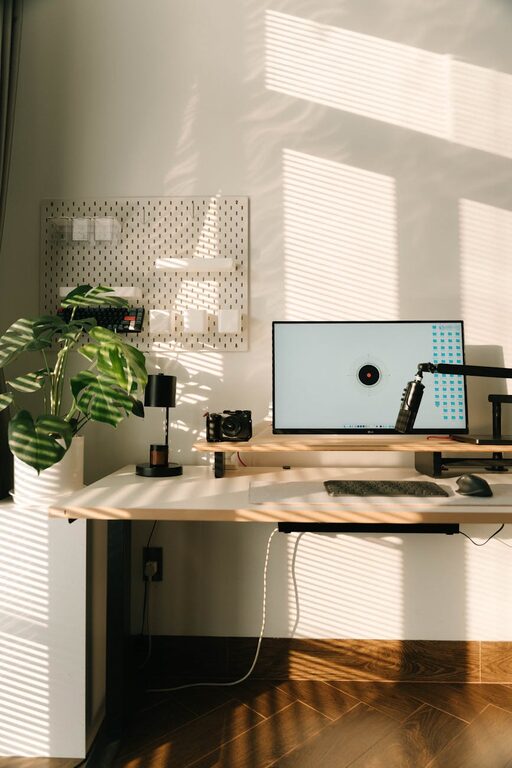
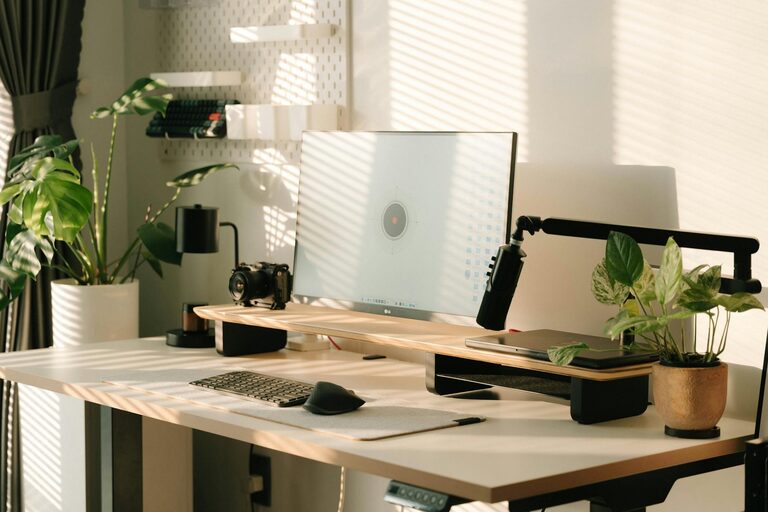
Natural light can boost your mood and energy levels, so choose a room or area with plenty of windows. Good ventilation is also important, as fresh air helps you stay alert and comfortable throughout the day.
Minimise Noise and Distractions
Try to find a quiet space away from busy household areas or noisy streets. If this isn’t possible, noise-cancelling headphones or white noise machines can be valuable tools to maintain focus.
Invest in Comfortable Furniture
Spending long hours at work means your furniture needs to support your posture and comfort.
Choose an Ergonomic Chair
An adjustable chair with good lumbar support helps prevent back pain and promotes better sitting posture.
Opt for a Suitable Desk
Select a desk that fits your needs and space. If possible, consider a height-adjustable desk to alternate between sitting and standing, which can reduce fatigue.
Organise Your Workspace
An organised desk reduces distractions and helps you focus on your tasks.
Keep Essentials Close
Only keep items on your desk that you use daily, such as your computer, notebook, and pens. Store other materials in drawers or shelves.
Use Storage Solutions
Boxes, filing cabinets, and organisers help keep documents and supplies neat. Label storage to make finding things quick and easy.
Manage Lighting Effectively
Besides natural light, you’ll need good artificial lighting.
Use Layered Lighting
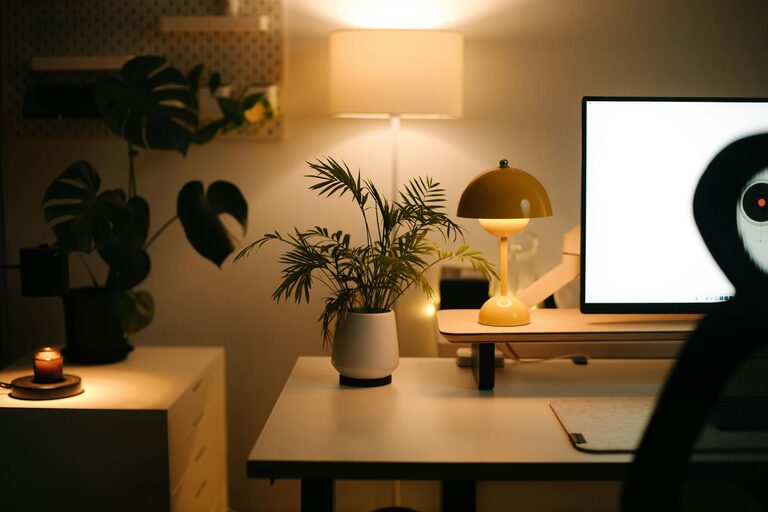
Combine overhead lights with task lighting, such as desk lamps, to reduce eye strain and create a comfortable atmosphere.
Adjust Lighting to Avoid Glare
Place screens and lights to avoid glare, which can cause headaches and make it harder to see.
Minimise Digital Distractions
Technology is essential but can also be a source of distractions.
Focus Settings and Breaks
Use focus modes on your devices or apps that block distracting websites during work hours. Set regular breaks to rest your eyes and move around.
Organise Your Digital Workspace
Keep your computer desktop and email inbox tidy. Create folders and labels to quickly access important files.
Create a Personal and Motivating Space
A home office should feel inviting and inspiring.
Add Personal Touches
Decorate with plants, artwork, or photos that make you happy but don’t clutter the space.
Set Clear Boundaries
Use your workspace only for work. This helps your brain associate the area with focus and productivity.
Incorporate Healthy Habits
Your environment can support well-being and reduce the risk of burnout.
Take Regular Breaks
Step away from your desk every hour to stretch or walk briefly. This improves circulation and mental clarity.
Stay Hydrated and Snack Smartly
Keep water nearby and choose healthy snacks to maintain energy levels throughout the day.
Utilise Technology and Tools
There are many tools designed to improve productivity.
Use a Planner or Task Manager
Digital or paper planners help track tasks and deadlines. They give a clear overview of your workload.
Optimise Your Internet Connection
A reliable, fast internet connection reduces frustration and keeps communication smooth.
—
Creating a productive home office environment doesn’t require a complete renovation or expensive equipment. By choosing the right location, keeping your space tidy, and supporting your health and focus, you can create a workspace that helps you perform at your best. Remember to adjust your setup as your needs change and make your home office a place you enjoy spending time.
About the Author